Assistant Mode
Assistant Mode gives OpenCode Manager a dedicated AI workspace — an isolated directory (repos/assistant/) where a built-in assistant agent can manage scheduled jobs, send push notifications, and read or update settings through the ocm tool.
What Is Assistant Mode?
The assistant workspace is a special repository-like directory managed and maintained by OpenCode Manager. When initialized it contains:
| File | Purpose |
|---|---|
AGENTS.md |
Workspace description the agent reads on every session start |
opencode.json |
OpenCode configuration scoped to the assistant agent |
.opencode/agents/assistant.md |
Agent definition with system prompt and permissions |
.opencode/skills/ |
Auto-generated skills teaching the agent to use the ocm tool |
Skills Provided
Four skills are provisioned automatically when assistant mode is initialized:
| Skill | What it teaches |
|---|---|
schedule-management |
Create, list, update, delete, and run scheduled jobs through the ocm request action |
notifications |
Send push notifications to registered user devices with the ocm send_notification action |
manager-settings |
Read and patch user preferences, read and update the OpenCode configuration file, and reload the assistant workspace, through the ocm request action |
repo-management |
List all managed repositories through the ocm request action |
The assistant manages the Manager's global OpenCode configuration file through the ocm tool (/opencode-config), and the file on disk is the source of truth.
See Assistant Internal API for the full API reference these skills expose.
Assistant Persona
The assistant's system prompt, behavior, and durable preferences live solely in .opencode/agents/assistant.md. This file is the single source of truth for the assistant agent's personality and self-editing rules. The opencode.json configuration no longer duplicates the agent persona — it only stores agent mode and workspace-level settings.
When the assistant self-edits its agent definition (e.g., to refine behavior or add durable preferences), it uses the manager-settings skill to call the POST /assistant/reload endpoint through the ocm request action. This disposes the current OpenCode workspace instance so the changes take effect on the next message. The reload endpoint is rate-limited to 5 requests per minute; the assistant always asks the user before reloading.
Getting Started
- Click Assistant in the sidebar or mobile tab bar
- On first visit, OpenCode Manager initializes the workspace and creates a new session
- A welcome prompt is automatically sent to orient the agent
- Subsequent visits resume the most recent session
No manual setup is required. The workspace directory and all managed files are created automatically.
Session Views
The assistant page works in two modes:
| Mode | URL | What you see |
|---|---|---|
| Redirect | /assistant |
Instantly redirects to the last session or creates one |
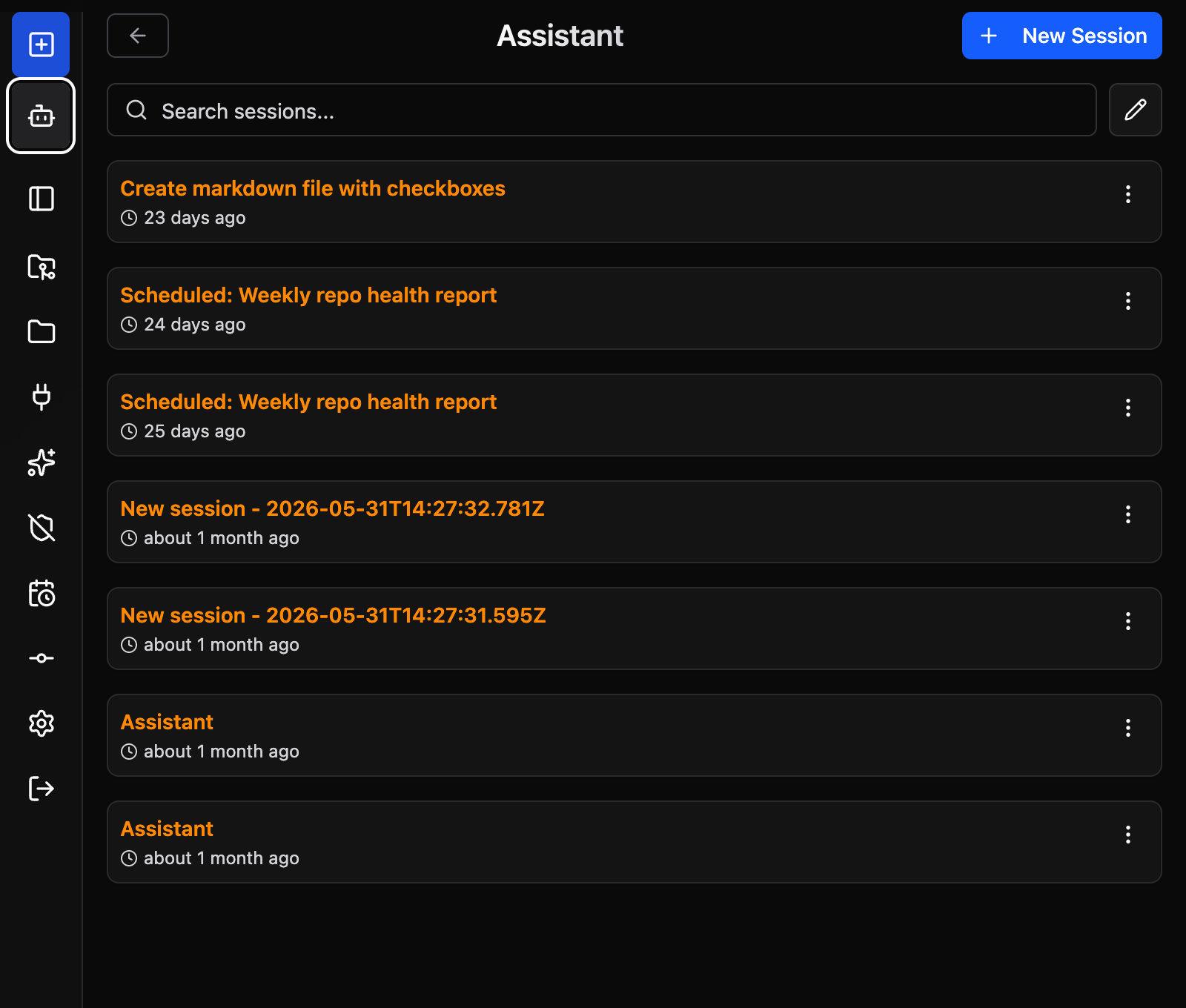
| Session list | /assistant?view=sessions |
Full session history with sidebar panels |
The session list exposes the same management panels as regular repos — file browser, MCP servers, skills, source control, and permissions reset.
Workspace Initialization
The workspace is initialized idempotently. Managed files are only rewritten when OpenCode Manager has updated their content. User customizations to managed files are preserved.
Warnings
If a managed file was modified after initialization, the next session will receive an inline prompt explaining which files were preserved and what the expected content is. This surfaces configuration drift without silently overwriting your changes.
Re-initializing
To re-apply all managed files to their latest defaults:
- Navigate to the session list (
?view=sessions) - Open the Permissions panel
- Use the reset action to re-initialize the workspace