OpenCode Manager
Mobile-first web interface for OpenCode AI agents. Manage, control, and code from any device - your phone, tablet, or desktop.
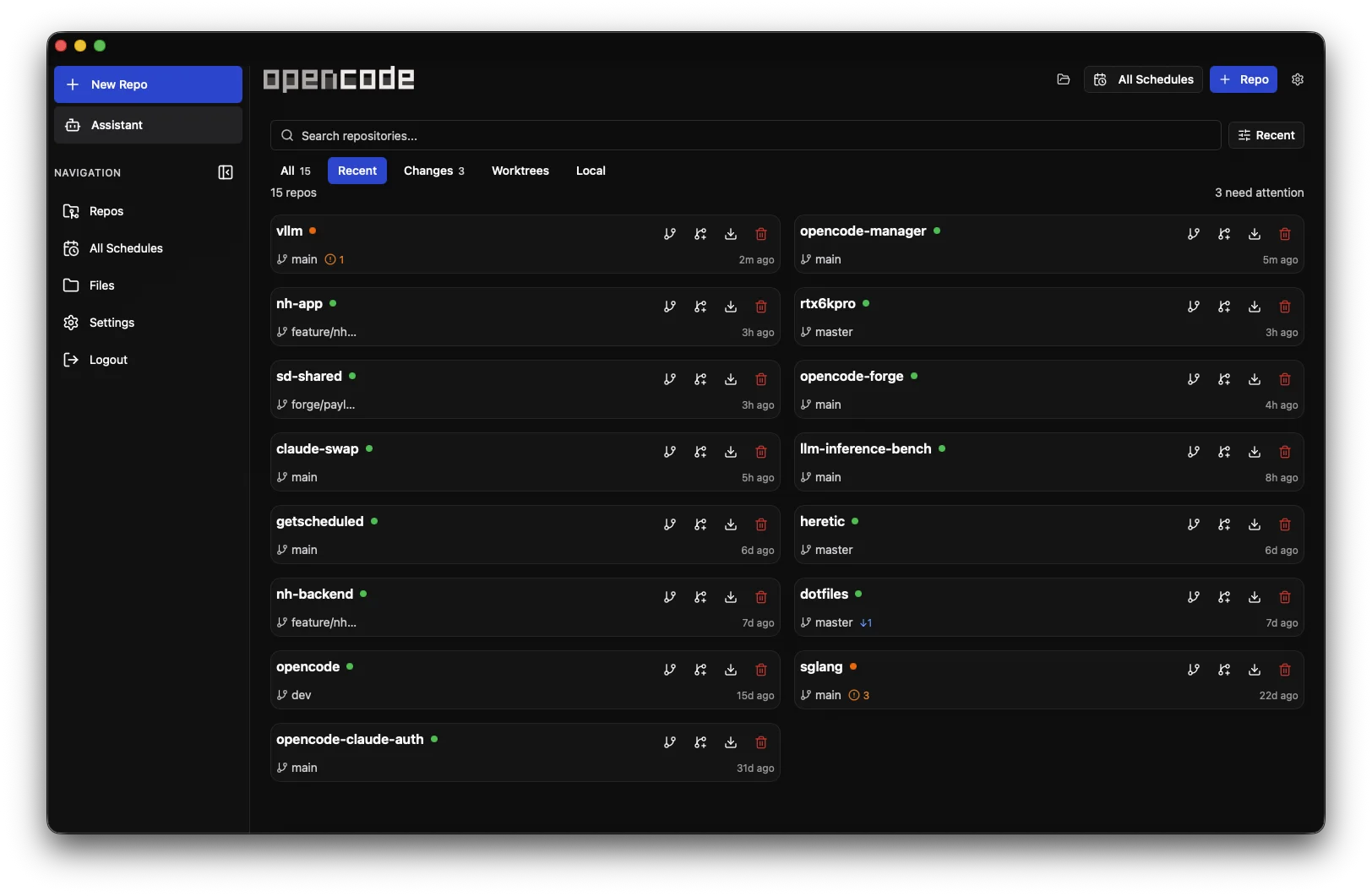
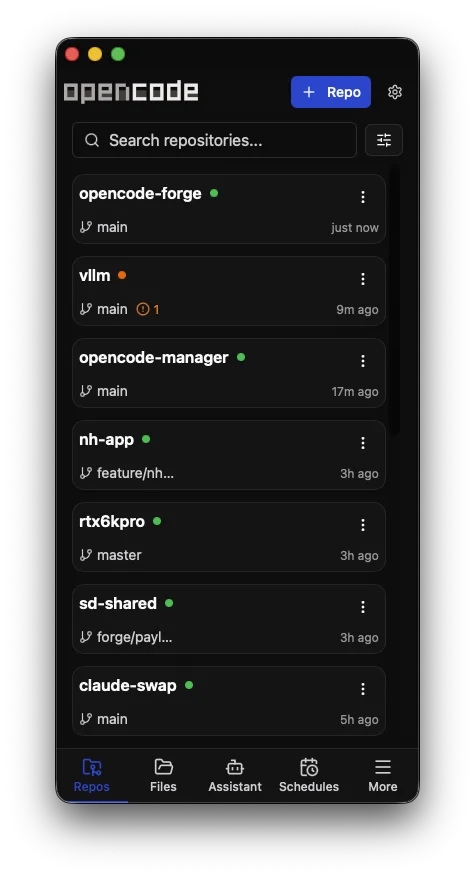
Quick Start
git clone https://github.com/chriswritescode-dev/opencode-manager.git
cd opencode-manager
cp .env.example .env
echo "AUTH_SECRET=$(openssl rand -base64 32)" >> .env
docker-compose up -d
Open http://localhost:5003 and create your admin account. That's it!
What is OpenCode Manager?
OpenCode Manager is a mobile-first web interface for OpenCode AI agents. It combines repository management, chat/session control, Git and file tools, schedules, AI configuration, MCP server management, push notifications, and full PWA support into a single responsive application.
- Repository management — Clone, discover, and manage multiple Git repos with SSH authentication and worktree support
- Chat & sessions — Real-time SSE streaming with slash commands,
@filementions, Plan/Build modes, and per-agent model selection - Schedules — Recurring repo jobs with reusable prompts, run history, and linked sessions
- AI configuration — Model/provider setup, OAuth for Anthropic/GitHub Copilot, custom agents
- MCP & Skills — MCP server management and skill support
- Audio — Text-to-speech and speech-to-text (browser + OpenAI-compatible)
- Mobile & notifications — Installable PWA with push notifications and mobile-first navigation
How It Works
OpenCode Manager runs as a pnpm workspace:
- The Bun/Hono backend initializes SQLite, Better Auth, settings, schedules, notifications, and an OpenCode client.
- A supervised OpenCode server handles agent sessions while the backend proxies API calls and streams events over SSE.
- The React/Vite frontend uses React Router and TanStack Query to render repositories, sessions, schedules, settings, and mobile navigation.
- The shared package keeps config, schemas, and TypeScript types aligned between backend and frontend.
Key Features
- Repositories & Git — Multi-repo management, local discovery, SSH auth, worktrees, unified diffs, branch/commit management — Learn more
- Chat & Sessions — Real-time SSE streaming, slash commands,
@filementions, Plan/Build modes, Mermaid diagrams — Learn more - Files — Directory browser with tree view, syntax highlighting, create/rename/delete, ZIP download — Learn more
- Schedules — Recurring repo jobs with reusable prompts, run history, linked sessions — Learn more
- Session Pinning — Pin important sessions to the top of the session list — Learn more
- Assistant Mode — Dedicated AI workspace with auto-provisioned skills for schedule management, notifications, settings, and repo listing — Learn more
- AI Configuration — Model/provider setup, OAuth for Anthropic/GitHub Copilot, custom agents — Learn more
- Server Health & Restart — Monitor server status, graceful restarts with session resume, auto-recovery — Learn more
- Manager Logs — Manager log lines plus captured OpenCode server stdout/stderr in Settings, with level/source filters, search, and pause/copy controls — Learn more
- MCP Servers — Add local or remote MCP servers with OAuth support — Learn more
- Skills — Skill support for extended agent capabilities — Learn more
- Mobile & PWA — Responsive UI, installable on any device, iOS-optimized — Learn more
- Push Notifications — Background alerts for agent events — Learn more
- Audio — Text-to-speech and speech-to-text (browser + OpenAI-compatible) — Learn more | Learn more
Project Layout
backend/— Bun + Hono API routes, services, database migrations, auth, schedules, and OpenCode integration.frontend/— React + Vite app, pages, components, hooks, API clients, stores, contexts, and PWA assets.shared/— Workspace package for schemas, types, config, and utilities.docs/— MkDocs Material documentation.scripts/,Dockerfile,docker-compose.yml— Setup, build, and deployment support.
Next Steps
- Installation Guide - Detailed setup instructions
- Quick Start - Get up and running fast
- Development Setup - Local environment, scripts, and testing
- Contributing - How to contribute to OpenCode Manager
- Features Overview - Explore all features
- Schedules & Recurring Jobs - Automate recurring repo reviews and follow-ups
- Configuration - Environment variables and setup